
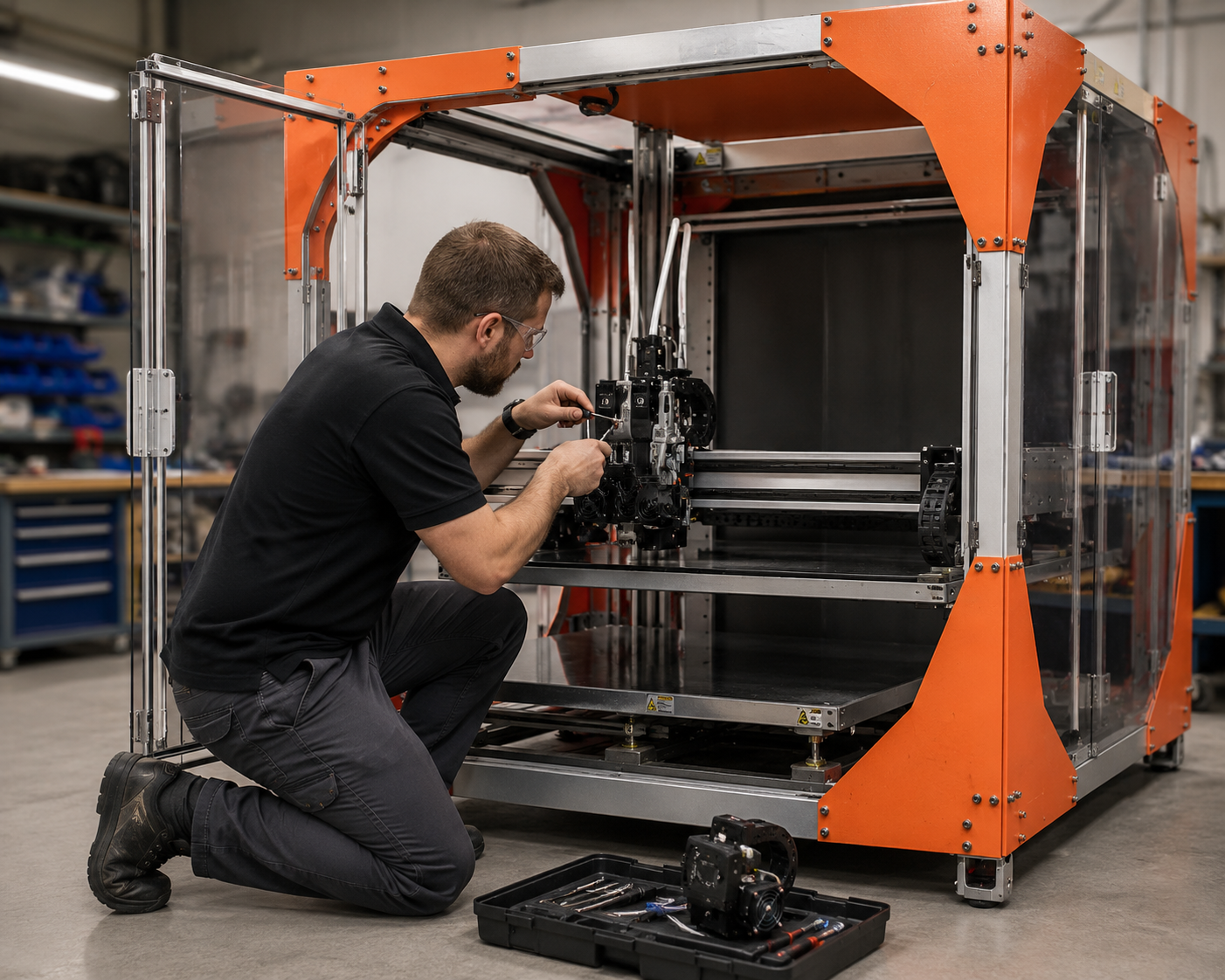
Preventive Maintenance for 3D Printers: In-Shop and On-Site Service
A 3D printer rarely fails without warning.
Belts loosen, bearings collect debris, nozzles wear, fans become noisy, and build platforms drift out of alignment. Electrical connections can work loose, lubrication can dry out, and print quality may gradually decline.
Because these changes happen slowly, many printers remain in service until a manageable maintenance issue becomes a failed print, damaged component, or complete production shutdown.
JaegerTech provides preventive maintenance for professional and industrial 3D printers. Our services include detailed inspections, cleaning, lubrication, calibration, testing, troubleshooting, and repairs. Customers can bring qualifying machines to our facility, or JaegerTech can perform on-site service for larger machines, printer fleets, and equipment that cannot be easily transported.
Why Preventive Maintenance Matters
Preventive maintenance is scheduled service performed before a major failure occurs. It helps identify wear, contamination, misalignment, electrical problems, and other developing conditions while the printer is still operational.
Regular service may help provide:
- Fewer unexpected breakdowns
- More consistent print quality
- Better dimensional accuracy
- Reduced scrap and rework
- Longer component life
- Improved equipment availability
- Safer machine operation
- More predictable repair costs
Preventive maintenance cannot eliminate every failure, but it can make problems less frequent and easier to diagnose.
Signs Your 3D Printer Needs Service
A machine does not need to be completely broken before it receives attention.
Common warning signs include:
- Increased print failures
- Layer shifts
- Grinding, clicking, or squeaking
- Excessive vibration
- Uneven first layers
- Poor bed adhesion
- Under-extrusion
- Temperature fluctuations
- Dimensional inconsistency
- Noisy or failed fans
- Loose belts
- Intermittent endstop errors
- Damaged wiring
- Random resets
- Excessive movement in the toolhead or bed
Some symptoms may have several possible causes. Inconsistent extrusion, for example, could result from a worn nozzle, damaged extruder gear, wet filament, heat creep, restricted filament movement, or an incorrect slicer profile.
A structured inspection helps identify the actual cause instead of relying on trial and error.
What JaegerTech Inspects
Preventive maintenance should address the complete machine, not only the nozzle and build surface.
Mechanical Systems
Mechanical inspection may include:
- Belts, pulleys, and idlers
- Linear rails, rods, and bearings
- Lead screws and couplers
- Guide wheels and carriages
- Frame connections and fasteners
- Gantry alignment
- Cable carriers and moving wiring
Belts may be checked for improper tension, cracking, fraying, or contamination. Rails and rods may be inspected for debris, corrosion, wear, or insufficient lubrication. Loose pulleys, couplers, and frame hardware can cause movement errors and dimensional problems.
The motion system should be evaluated across the full build volume. A printer may move correctly near the center but bind or lose accuracy near the edges.
Extrusion System
The extrusion system is one of the hardest-working parts of an FDM printer.
Inspection may include:
- Extruder gears
- Filament path
- Bowden tubing
- Hotend and heat break
- Heater cartridge
- Temperature sensor
- Nozzle
- Heat-sink fan
- Part-cooling fan
- Wiring and connectors
Abrasive materials such as carbon-fiber, glass-fiber, metal-filled, and glow-in-the-dark filaments can rapidly wear brass nozzles and extruder components.
High-temperature printing can also place additional stress on heaters, sensors, connectors, and cooling systems.
Build Platform and Calibration
First-layer problems are not always caused by slicer settings.
JaegerTech may evaluate:
- Build-surface condition
- Bed mounting and movement
- Platform alignment
- Z-offset
- Probe operation
- Endstop repeatability
- Bed-heater performance
- Mechanical play
- Surface contamination
A machine may appear to have a bed-adhesion problem when the real cause is a loose platform, warped surface, damaged probe, inconsistent Z axis, or mechanical misalignment.
Electrical Systems
Electrical inspection may include:
- Power supplies
- Mainboards and motor drivers
- Heater and bed wiring
- Grounding
- Connectors and terminals
- Fuses and relays
- Emergency-stop circuits
- Power switches
- Cable insulation
- Strain relief
- Cooling fans
Loose or damaged electrical connections can cause intermittent faults, voltage drops, overheating, and unexpected shutdowns.
Older, heavily used, or modified machines may require particular attention because undocumented wiring changes and replacement components can make future troubleshooting more difficult.
Cleaning, Lubrication, and Calibration
Cleaning is more than removing dust from the outside of the printer.
Filament fragments, grease, dust, resin residue, and airborne contamination can affect motion, cooling, extrusion, and electrical reliability.
Maintenance may include cleaning:
- Extruder gears
- Fan guards
- Electronics compartments
- Rails and rods
- Lead screws
- Build surfaces
- Sensors and endstops
- Hotend areas
- Cable carriers
Cleaning methods must be appropriate for the machine. Some solvents can damage plastic parts, coatings, adhesives, screens, and build surfaces. Excess lubricant can attract debris and create additional wear.
Lubrication requirements also vary. Linear rails, bushings, lead screws, V-wheels, and proprietary motion systems may require different products and procedures.
After maintenance, the printer should be calibrated and tested. Validation may include homing, bed leveling, Z-offset adjustment, extrusion checks, movement tests, and a representative test print.
Bring-In Service at JaegerTech
For many desktop and medium-format printers, bringing the machine to JaegerTech is the most efficient and economical option.
In-shop service provides access to tools, test equipment, replacement components, materials, computers, and fabrication capabilities.
Bring-in service may be appropriate when:
- The printer can be transported safely
- Multiple repairs may be needed
- Extended testing is required
- Electrical troubleshooting is involved
- Replacement parts must be adapted or fabricated
- A hotend, extruder, or controller upgrade is being considered
- New slicer profiles must be tested
When bringing in a printer, customers should provide available manuals, configuration files, existing profiles, error messages, failed prints, and information about previous repairs or modifications.
The more information available, the easier it is to reproduce intermittent problems and evaluate the machine accurately.
On-Site Preventive Maintenance
Some printers are too large, sensitive, integrated, or important to remove from the customer’s facility.
JaegerTech offers on-site service for qualifying equipment and locations, including:
- Large-format printers
- Industrial systems
- Printer farms
- University laboratories
- Manufacturing facilities
- Government facilities
- Multi-machine installations
- Equipment integrated into production workflows
On-site service allows the machine to be evaluated in its normal operating environment.
This is important because some equipment problems are affected by facility conditions, including unstable power, excessive dust, poor ventilation, improper material storage, limited workspace, vibration, or inadequate operator procedures.
On-site visits can also allow operators to participate in the inspection and learn how to recognize developing problems.
Before a service visit, customers should make the equipment accessible, provide manuals and passwords where appropriate, have representative printing material available, and identify the printer’s primary operator.
Maintenance for Printer Fleets
Organizations operating multiple printers can benefit from a standardized maintenance program.
Fleet support may include:
- Equipment identification
- Machine condition tracking
- Preventive maintenance intervals
- Standard inspection forms
- Service records
- Spare-parts recommendations
- Firmware and configuration backups
- Profile backups
- Operator checklists
- Failure tracking
Tracking multiple machines can reveal patterns that might otherwise be overlooked.
Repeated extrusion failures may be connected to one material or profile. Repeated fan failures could indicate excessive ambient temperature. Premature belt wear may reveal an alignment problem. Connector failures may be related to poor strain relief or machine vibration.
Standardization can also reduce downtime by allowing multiple printers to use common nozzles, sensors, fans, hotends, controllers, and maintenance procedures.
How Often Should a Printer Be Serviced?
There is no universal maintenance interval for every 3D printer.
Service frequency depends on:
- Operating hours
- Machine design
- Materials used
- Production environment
- Print temperatures
- Duty cycle
- Equipment age
- Previous failure history
- Manufacturer recommendations
A lightly used office printer may need only periodic inspection. A production printer running daily may require monthly, quarterly, or usage-based maintenance.
A practical program may combine daily operator checks, routine cleaning, scheduled inspections, and an annual comprehensive service.
Schedule 3D Printer Maintenance With JaegerTech
A 3D printer is a production asset. Like other production equipment, it performs better when it is inspected, cleaned, lubricated, calibrated, tested, and documented.
Waiting for complete failure may appear less expensive, but unplanned downtime, damaged parts, scrap, and missed production schedules can cost considerably more than scheduled maintenance.
JaegerTech provides preventive maintenance, inspections, troubleshooting, calibration, and repairs for professional and industrial 3D printers.
Service options include:
- Bring-in service at our facility
- On-site service for qualifying equipment
- Individual printer maintenance
- Multi-machine fleet service
- Mechanical and electrical inspections
- Cleaning and lubrication
- Extrusion-system service
- Calibration and test printing
- Repair recommendations
- Slicer profile and process support
- Operator training and documentation
Whether your printer is beginning to show signs of wear or you want to establish a regular maintenance program before problems occur, JaegerTech would be glad to help keep your equipment productive.
About the Author: jaegertechgroup.com

STAY IN THE LOOP
Subscribe to our free newsletter.
Leave A Comment
Modernizing Large-Format 3D Printers Instead of Replacing Them One of the biggest advantages of open-source and openly serviceable 3D printers is that
How Large-Format 3D Printing Helped Validate a Production Mold in 9 Days When an energy company was preparing to invest in an
From 3D Scan to Perfect Fit: The Corvette Bumper Project Moves Forward A few weeks ago, we shared a project that demonstrated
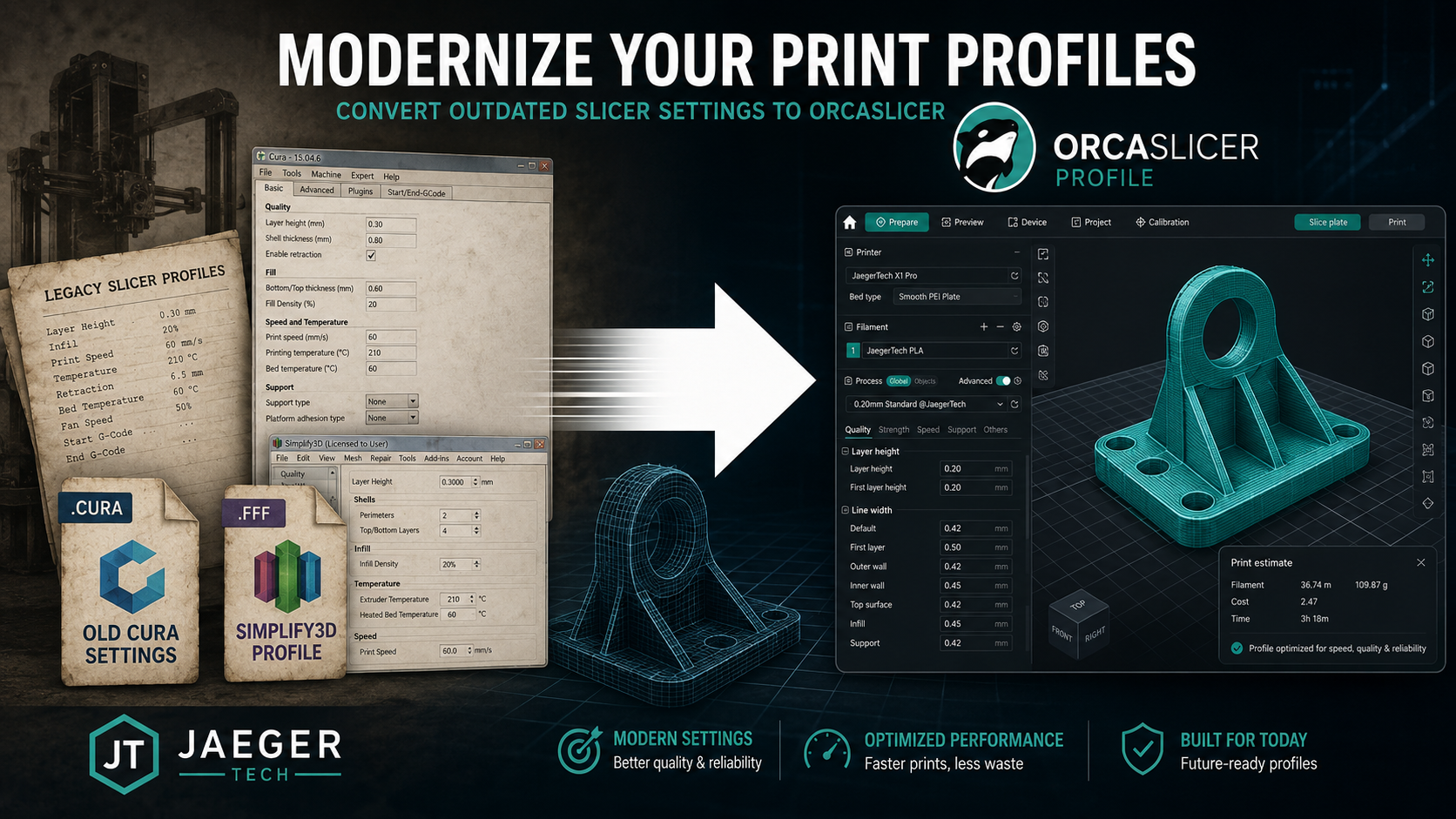
Still Using Cura or Simplify3D? JaegerTech Can Help Build an OrcaSlicer Profile for Your 3D Printer A 3D printer does not become