
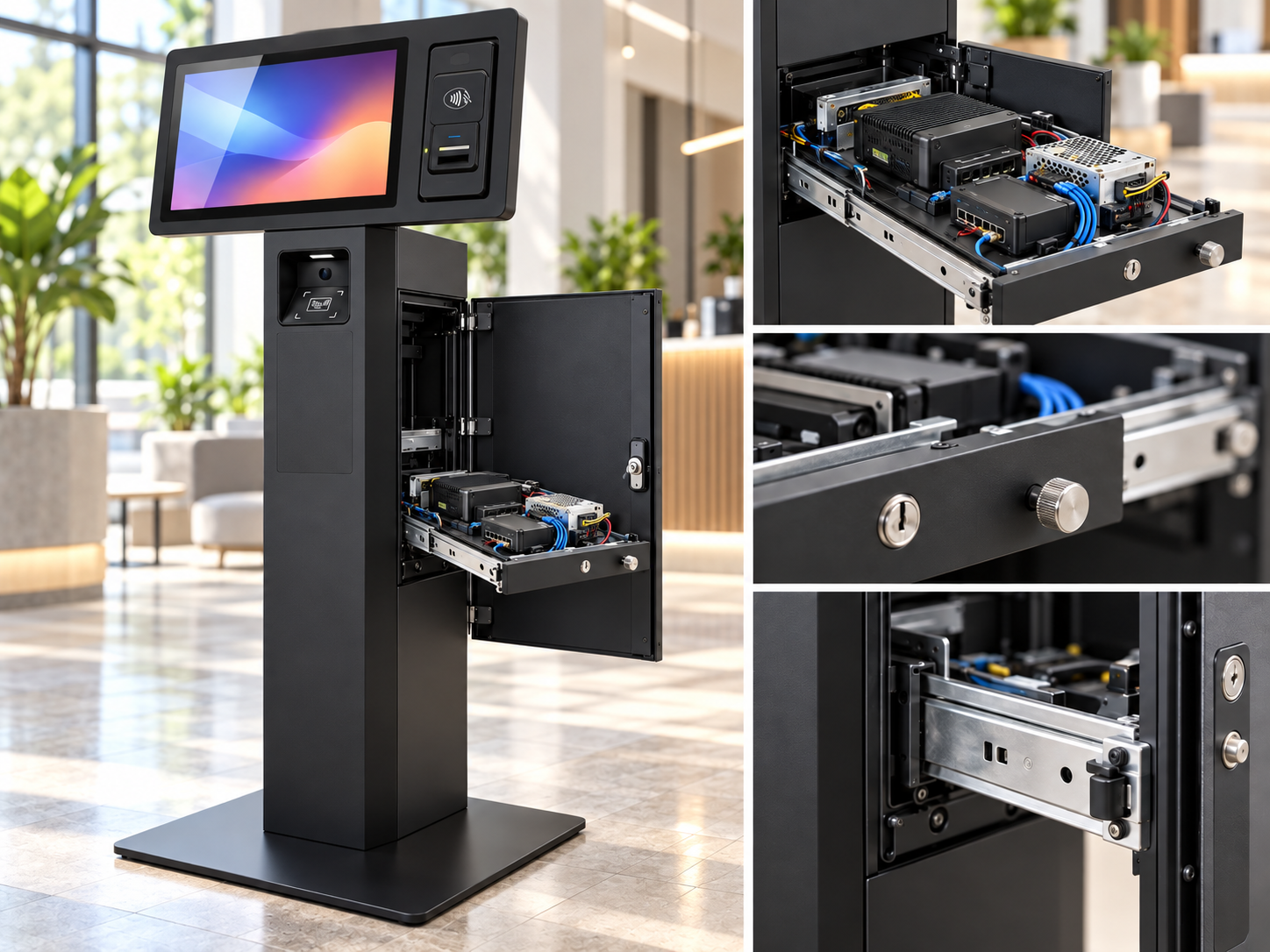
Designing Products for Serviceability, Maintenance, and Field Repair
A product can work perfectly on the day it is delivered and still be difficult to live with over the next five years.
That is why serviceability matters.
For many commercial, industrial, research, and custom-engineered products, the ability to inspect, maintain, repair, and replace components should be considered during the design process, not after the first failure occurs.
At Jaeger Technology Group, we see serviceability as part of product design.
A good product should not only function. It should also be practical to own.
Serviceability Starts Before the First Prototype
One of the easiest mistakes to make in product development is designing everything around initial assembly.
If the question is only:
“How do we put this together?”
then it is easy to end up with a product that is difficult to take apart later.
A better set of questions includes:
- What components are most likely to fail?
- Which parts will eventually require maintenance?
- What will a technician need to reach?
- Can those parts be accessed without dismantling the entire product?
- Can cables and connectors be reached?
- Can common parts be replaced with standard tools?
- Will reassembly be obvious?
- Does servicing one component create a risk of damaging another?
Those questions can influence the mechanical layout before the enclosure is ever finalized.
Access Matters
Access panels are one of the simplest examples of designing for serviceability.
A component that sits three inches behind a removable panel may be easy to replace.
The same component buried behind five structural parts may turn a ten-minute repair into an hour-long job.
This is especially important for components such as:
- Computers
- Controllers
- Power supplies
- Batteries
- Displays
- Fans
- Cameras
- Card readers
- Sensors
- Motors
- Switches
- Fuses
If a component is reasonably expected to require replacement, it should not be treated as permanently inaccessible.
Not Every Fastener Should Be Different
Fastener selection seems trivial until someone has to service the product in the field.
A system that uses six different screw types may be easy enough to assemble once.
It is less convenient when a technician has to carry several drivers, sort hardware during reassembly, or figure out which screw belongs where.
Whenever practical, we prefer to reduce unnecessary variation.
That can mean:
- Standardizing screw sizes
- Using common drive types
- Avoiding unnecessarily long fasteners
- Using captive hardware where appropriate
- Minimizing hidden fasteners
- Designing covers that can only be installed one way
Small decisions like these can make a product much easier to maintain.
Connectors Should Be Designed for Humans
Electrical connectors deserve the same attention as mechanical hardware.
A connector that is technically accessible may still be extremely difficult to unplug.
A cable may be too short to move a module far enough for service.
Two identical connectors may be easy to swap accidentally.
A locking connector may be positioned where the release tab cannot be reached.
Good serviceability means thinking about:
- Connector orientation
- Finger clearance
- Strain relief
- Cable length
- Keying
- Labeling
- Service loops
- Replacement harnesses
The wiring should support maintenance rather than fight against it.
Modular Design Can Reduce Downtime
One of the most useful approaches is to think in modules.
Instead of treating an entire system as one inseparable assembly, it may make sense to break it into replaceable sections.
For example:
- Display module
- Controller module
- Power module
- Sensor module
- Communications module
- Motor assembly
- User-interface panel
If a failed module can be replaced quickly, the system may be returned to service without requiring advanced troubleshooting in the field.
The damaged module can then be repaired separately.
For commercial equipment, that can be far more valuable than designing every component for component-level field repair.
Field Repair Is Different From Bench Repair
A technician working at a bench may have:
- Full lighting
- A soldering station
- Test equipment
- Specialty tools
- Replacement hardware
- Plenty of space
A field technician may have none of those things.
The product may be mounted against a wall, installed inside another machine, or located in a public environment.
That changes the design requirements.
If a product is intended to be serviced in the field, it should ideally be repairable with:
- Common hand tools
- Reasonable access
- Minimal disassembly
- Clearly identified replacement parts
- Limited need for adjustment
- Simple functional checks
The environment where the repair happens matters almost as much as the repair itself.
Labeling Saves Time
A simple label can prevent a surprising amount of confusion.
That might mean identifying:
- Connectors
- Fuse ratings
- Power inputs
- Cable destinations
- Modules
- Revision numbers
- Orientation
- Service points
The goal is not to cover the inside of the product with unnecessary text.
The goal is to reduce ambiguity.
A technician should not have to reverse-engineer the product during maintenance.
Think About the Parts Most Likely to Fail
Not every component deserves equal service access.
Some parts are much more likely to require attention than others.
Fans wear.
Batteries age.
Displays can be damaged.
Connectors can loosen.
Power supplies can fail.
Moving parts wear.
Cables can be damaged.
A good design prioritizes those components.
A structural frame may never need to be removed.
A power supply might.
Those should not require the same level of disassembly.
Maintenance Should Not Create New Problems
Sometimes a product is technically serviceable, but the repair process itself creates risks.
For example:
- Removing a cover pulls on wiring
- A connector sits directly behind the panel being removed
- Screws can fall into electronics
- A gasket is easily damaged during service
- Components must be forced past other parts
- A cable must be sharply bent to reconnect it
- Reassembly depends on an exact sequence
These problems are often visible during prototyping if service access is tested intentionally.
One useful exercise is simple:
Take the prototype apart as though you were a technician who did not design it.
That can expose problems quickly.
Documentation Is Part of Serviceability
Good physical design helps.
Good documentation makes it much better.
Even a relatively simple product can benefit from:
- Exploded views
- Wiring diagrams
- Parts lists
- Connector diagrams
- Service instructions
- Replacement-part numbers
- Firmware versions
- Maintenance intervals
This is especially important once more than one person is responsible for the product.
If only the original designer understands how it works, the product is not truly serviceable.
Designing for Repair Can Reduce Total Cost
Serviceability sometimes adds a little cost to the initial design.
An access panel may require more hardware.
A modular connector may cost more than a direct solder joint.
A removable bracket may be more complex than a permanent mounting method.
But those choices can reduce the total cost of ownership significantly.
The real cost of a difficult repair may include:
- Technician labor
- Downtime
- Shipping
- Replacement units
- Customer disruption
- Rework
- Warranty costs
A few dollars spent on better service access can save much more later.
Serviceability Is Especially Important in Low-Volume Products
Low-volume products often stay in service longer than mass-market consumer products.
They may also use specialized hardware that is expensive to replace as a complete unit.
That makes serviceability particularly important for:
- Industrial equipment
- Research hardware
- Kiosks
- Laboratory systems
- Custom machinery
- Prototypes that become production equipment
- Field-deployed electronics
In these products, replacing the entire system because of one failed component usually makes little sense.
Designing With the Future Technician in Mind
A useful rule is to imagine the person who will repair the product three years from now.
They may not know who designed it.
They may not have the original CAD.
They may never have seen another unit.
They may be working under time pressure.
The design should help them.
That means making the system understandable.
Making important components accessible.
Making replacement straightforward.
And avoiding unnecessary complexity.
Serviceability Is Part of Good Engineering
A product should not become disposable simply because one internal component fails.
That is not always possible, but in many cases it is a design choice.
At Jaeger Technology Group, we try to think beyond the first successful prototype.
We consider how a product will be assembled, used, maintained, repaired, and eventually upgraded.
Designing for serviceability does not mean making every product large, expensive, or overcomplicated.
It means making intentional decisions about what should be accessible, replaceable, and understandable.
The best time to make those decisions is not after the first field failure.
It is during the design.
About the Author: jaegertechgroup.com

STAY IN THE LOOP
Subscribe to our free newsletter.
Leave A Comment
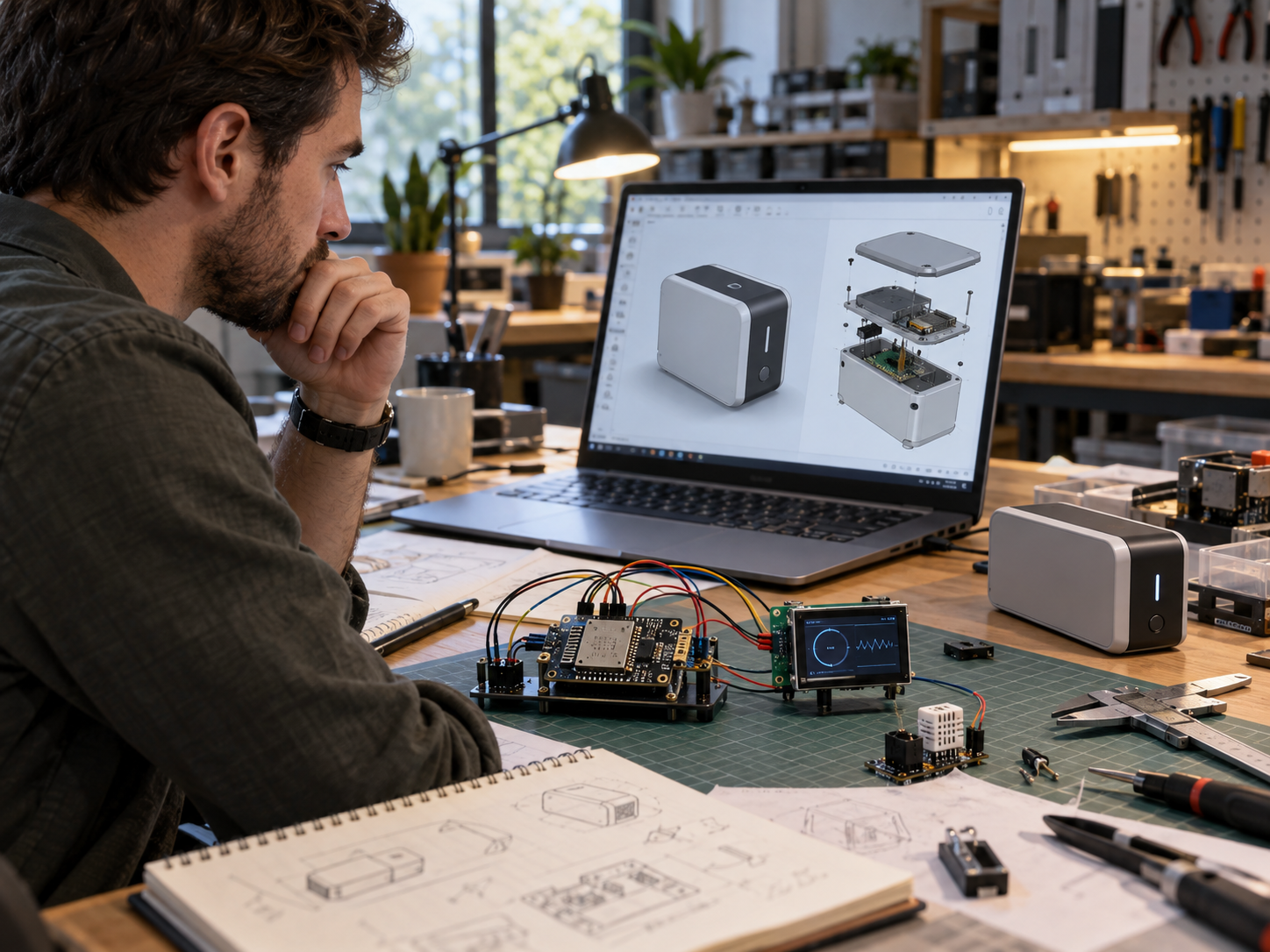
Beyond ESP32 and Raspberry Pi: Designing Electronics for Real Products Development boards are one of the best tools available for product development.

From MVP to Market: How Consumer Electronics Become Real Products A working MVP is an important milestone. It proves that the idea
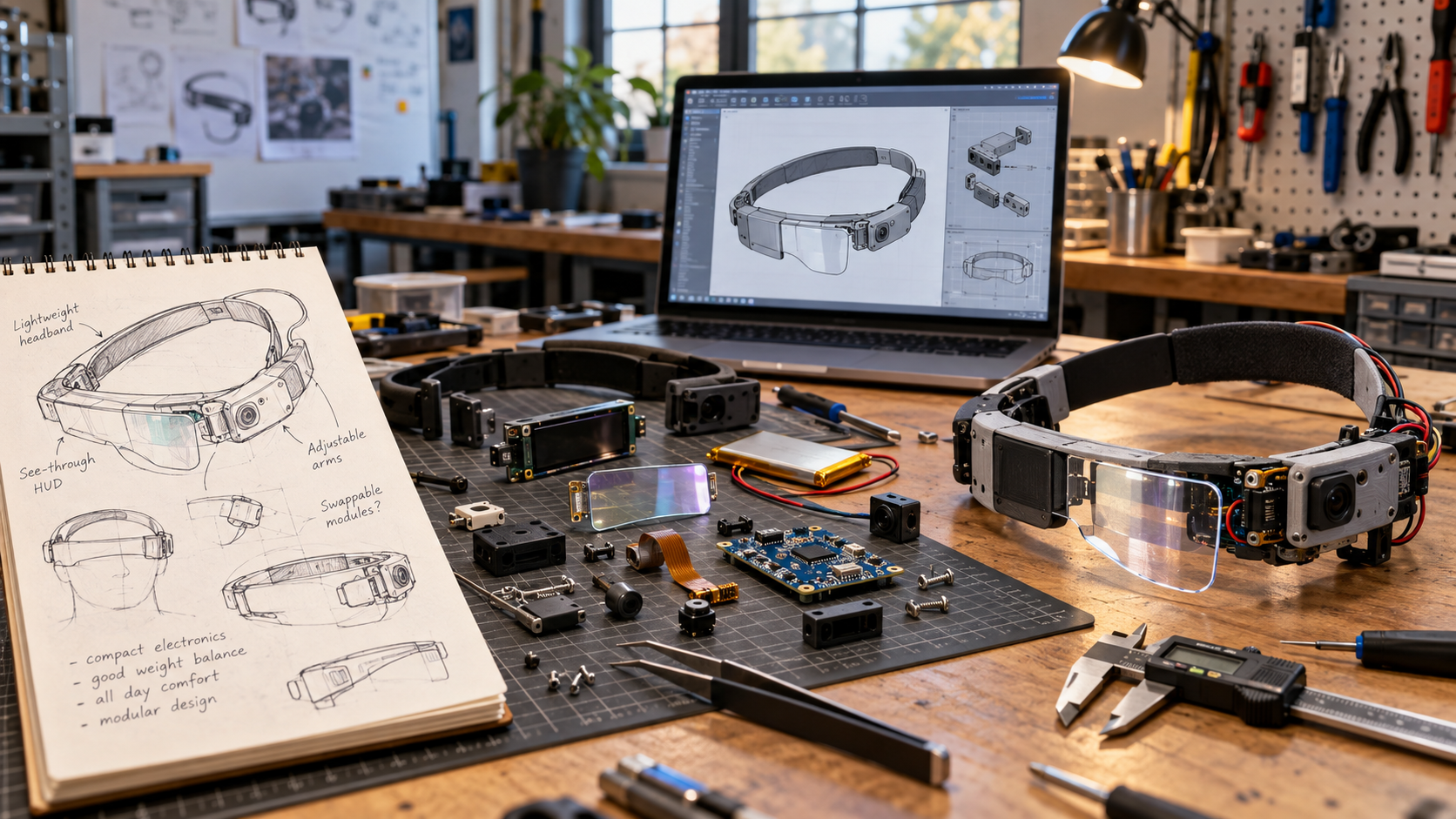
When a Customer Has an Idea but No CAD: How Product Development Actually Starts A surprising number of product-development projects do not
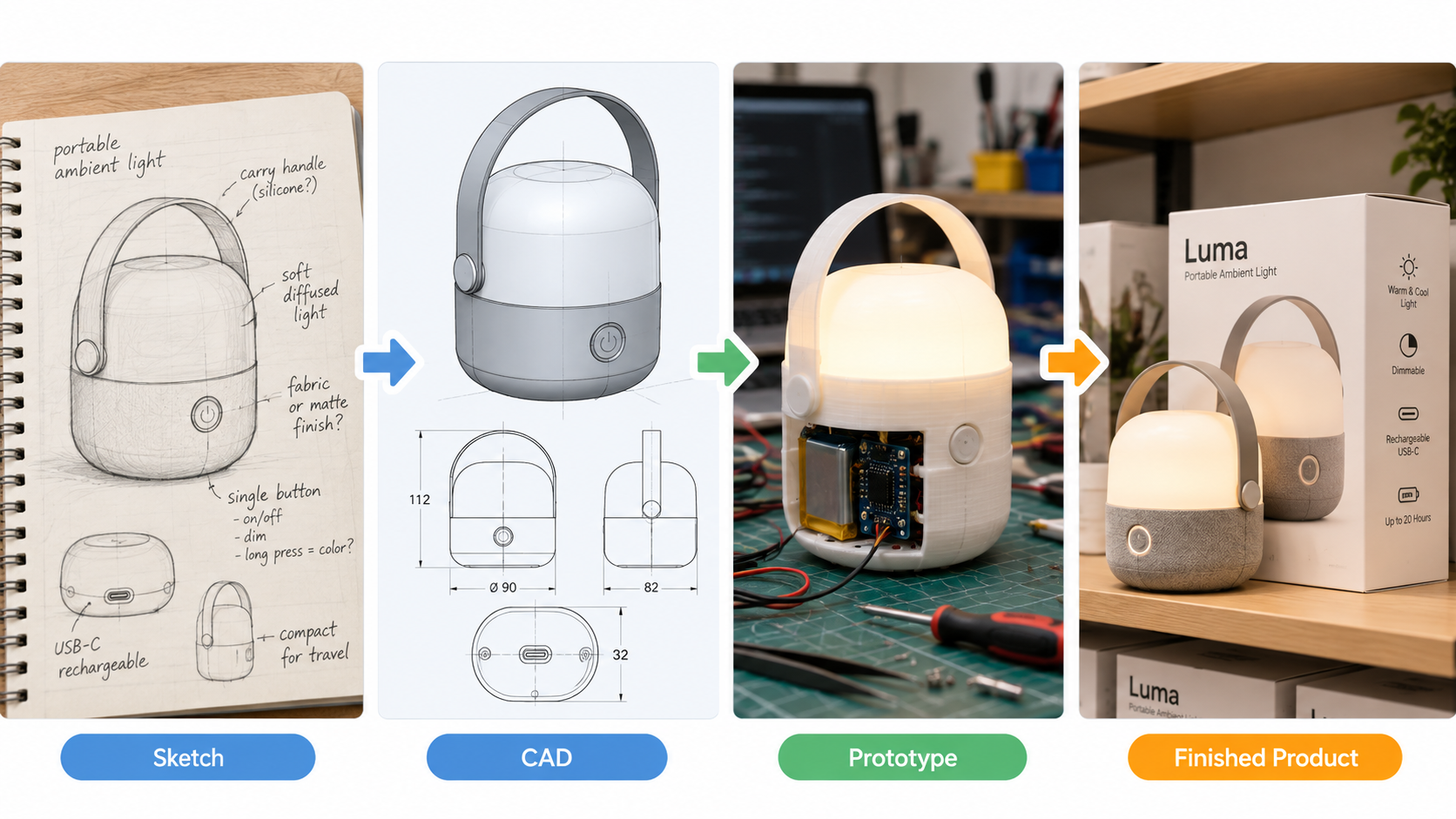
From Prototype to Small-Batch Production: What Changes After the First Part Works Getting the first prototype to work is a major milestone.