
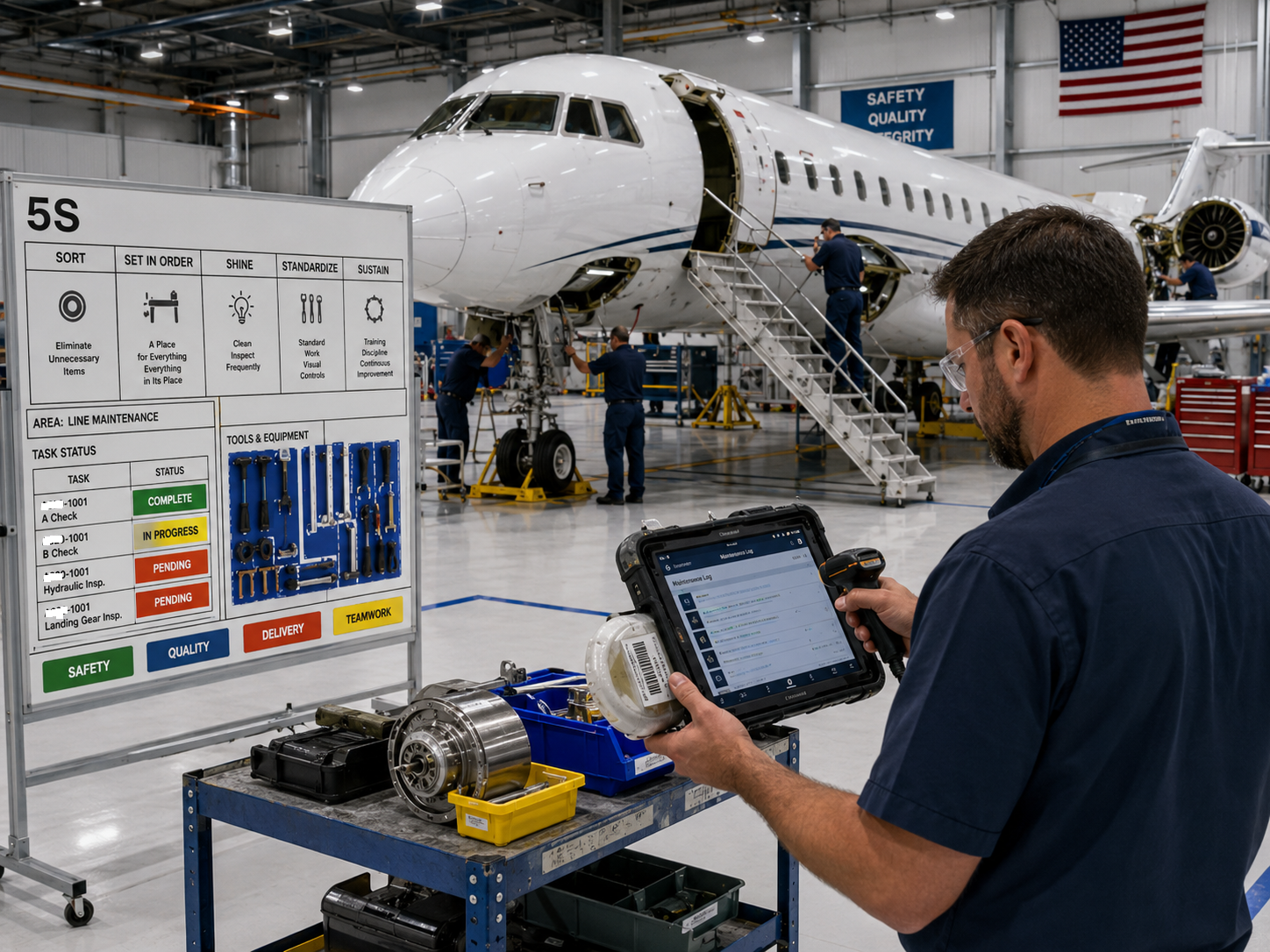
Integrating a Tablet, Scanner, and Maintenance Hardware Into One Aerospace Field Tool
In aerospace maintenance, the challenge is rarely just collecting information.
The real challenge is putting the right information, the right hardware, and the right workflow into the hands of the technician without making the job more difficult.
We recently worked with an aerospace client that needed to combine several separate functions into one practical maintenance tool. The concept centered around a tablet, but the tablet alone was only one piece of the system.
The client also needed scanning capability, supporting electronics, and additional hardware integrated into a single lightweight assembly that could be carried and used during maintenance operations.
The goal was straightforward to describe and considerably more difficult to execute:
Create one durable handheld system that technicians could use for maintenance check-offs, bill of materials tracking, part identification, and related shop-floor tasks without juggling several separate devices.
That turned into a substantial design and integration project.
More Than a Tablet Case
It would have been easy to look at this project and think of it as a tablet enclosure.
It was not.
Once scanning hardware, controls, cabling, access requirements, power considerations, ergonomics, serviceability, and physical protection are added, the enclosure becomes part of the equipment itself.
The system had to hold everything securely while remaining light enough to use throughout a maintenance shift.
It also needed to allow the technician to interact naturally with the tablet while still providing access to the scanner and other integrated hardware.
That created a long list of competing requirements.
The assembly needed to be strong, but not unnecessarily heavy.
It needed to protect the electronics, but not make them impossible to service.
It needed to route cables internally, but still allow components to be replaced.
It needed to feel like one integrated device rather than a tablet with several accessories attached to it.
And above all, it had to work in the real environment where the technicians would actually use it.
Designing Around the Technician
One of the most important parts of the project was understanding that the technician was part of the design equation.
A device can be technically functional and still be frustrating to use.
Weight distribution matters.
Grip position matters.
Scanner orientation matters.
The location of buttons, ports, cables, and mounting points matters.
Even a small change in the position of a scanner can determine whether the user can comfortably scan a part number while simultaneously reading instructions or completing a maintenance check-off on the screen.
We designed the system around the workflow rather than simply designing a box around the components.
That distinction is important.
Instead of asking, “How do we fit all of this hardware together?” the better question became:
“How does the technician need to use all of this hardware together?”
Once that was understood, the mechanical design could follow the actual job.
Integrating Scanning Into the Maintenance Workflow
The scanner was one of the most important elements of the system.
In an aerospace maintenance environment, positively identifying parts and materials can be critical. A scanner can quickly capture a barcode, serial number, inventory identifier, or other tracking information and associate it with the work being performed.
That makes it possible to connect the physical maintenance activity with the digital record.
A technician could scan an item, confirm the correct component, work through maintenance check-offs, and record material or BOM information through the tablet.
Instead of stopping to move between a workstation, separate scanner, paperwork, and the aircraft or component being serviced, the information could travel with the technician.
That has obvious convenience benefits, but it can also improve consistency.
The fewer disconnected steps there are in a process, the fewer opportunities there are for information to be lost, transposed, or entered later from memory.
BOM Tracking in the Technician’s Hands
Bill of materials tracking was another major capability.
Maintenance frequently involves more than documenting that a task was completed. It can also involve recording which components were installed, removed, inspected, replaced, or consumed.
By integrating scanning and the tablet interface, the system could support BOM tracking directly where the work occurred.
That opens the door to a much more efficient workflow.
A component can be identified.
The applicable maintenance operation can be displayed.
The technician can complete the required checks.
Parts associated with the operation can be scanned or recorded.
And the maintenance record can be updated without leaving the immediate work area.
The hardware itself does not replace the customer’s maintenance or inventory software. Instead, it provides a practical physical interface between the technician and those systems.
That is often the missing piece in digital transformation projects.
Software can be extremely capable, but somebody still has to interact with the physical aircraft, tooling, components, and inventory.
The Integration Challenge
Much of the work on this project happened in the details that are easy to overlook.
Where does the scanner sit?
How is it retained?
How does the cable route?
Can the cable move or fatigue during repeated use?
Can the scanner be replaced without disassembling the entire unit?
Does the enclosure interfere with wireless performance?
Can the tablet still be removed or serviced?
Are connectors protected from impact?
Are there stress concentrations around mounting points?
Can the system survive being set down repeatedly on a workbench or cart?
How do we keep the assembly rigid without making it heavy?
Those questions turn a relatively simple-looking device into a real engineering problem.
A successful integration means the user should not have to think very much about any of those details.
The scanner should simply be where it needs to be.
The cable should disappear into the assembly.
The tablet should remain accessible.
The unit should feel balanced.
The entire system should behave as if the components were originally designed to work together.
That takes considerably more effort than mounting a few pieces of hardware to a plate.
Additive Manufacturing Made the Iteration Practical
3D printing was particularly valuable because it allowed the design to evolve around the actual hardware.
With projects like this, dimensions from a specification sheet are rarely enough.
Real connectors protrude.
Cables need bend radius.
Buttons need finger clearance.
Scanner housings have compound curves.
Tablet dimensions can vary slightly depending on cases, covers, or mounting features.
And the way a person actually holds a device is difficult to judge from CAD alone.
Additive manufacturing allowed us to create physical iterations, evaluate fit and ergonomics, make changes, and produce the next version without committing to expensive hard tooling early in the process.
That is one of the strongest applications for industrial 3D printing.
The value is not simply that the final enclosure can be printed.
The value is that the design can be developed physically, quickly enough that the hardware and the user can influence the design before it is finalized.
Lightweight, But Still Built for Work
Weight was a major consideration throughout the project.
A few extra ounces may not sound significant when looking at a CAD model, but they become noticeable when a technician carries a device for hours.
At the same time, aerospace maintenance equipment cannot be so light that it feels fragile.
The design therefore had to put material where it contributed to stiffness and impact resistance while removing it where it did not provide useful structural benefit.
Ribs, mounting bosses, wall thicknesses, transitions, and component locations all contribute to the final balance between strength and weight.
The result was a system that was substantially more integrated than the individual hardware components while remaining practical to carry and use.
Designing for Real Maintenance, Not the Trade Show Floor
There is an important difference between a device that looks impressive in a presentation and a device that works well after months of use.
For maintenance equipment, we care much more about the second one.
The system needed to tolerate normal handling.
It needed to be serviceable.
It needed to accommodate actual connectors and cables.
It needed to work with gloves and real technician hand positions.
It needed to survive the routine bumps and impacts that happen around maintenance operations.
And it needed to remain useful after the novelty of the new equipment disappeared.
Good industrial design often becomes almost invisible.
When the design is successful, the technician simply picks up the unit and gets the job done.
Hardware Integration Is Often the Missing Link
This project also illustrates an area where Jaeger Technology Group frequently gets involved.
A customer may already have the software.
They may already have the tablet.
They may already have the scanner.
They may even know exactly what they want the final workflow to accomplish.
What they do not have is a practical way to turn those separate pieces into a single physical product.
That is where mechanical design, 3D scanning, CAD, prototyping, additive manufacturing, fabrication, and systems integration start to overlap.
Sometimes the hardest part of introducing new technology into an industrial environment is not developing the technology.
It is making the technology usable.
From Several Pieces of Hardware to One Tool
By the end of the project, the customer had something very different from a collection of electronics.
They had a purpose-built maintenance tool.
The tablet provided the digital interface.
The scanner connected physical components with digital records.
The enclosure protected and organized the hardware.
The mechanical design brought everything together into one lightweight, durable assembly.
And the complete system supported maintenance check-offs, BOM tracking, and other technician workflows directly where the work was being performed.
That is the kind of project we particularly enjoy because it sits at the intersection of design, manufacturing, electronics, and real-world use.
Have Hardware That Needs to Become a Product?
If your team has a tablet, scanner, camera, sensor, computer, reader, controller, or other hardware that needs to be integrated into a practical field or industrial device, Jaeger Technology Group can help.
You do not need to arrive with a finished mechanical design.
Bring us the hardware, the requirements, and an understanding of what the operator needs to accomplish.
We can help work through the packaging, mounting, ergonomics, cable management, serviceability, prototyping, and manufacturing strategy required to turn those individual components into a usable system.
From aerospace maintenance equipment to industrial tablets, inspection tools, kiosks, control systems, and custom electronics enclosures, we help turn collections of hardware into purpose-built tools.
About the Author: jaegertechgroup.com

STAY IN THE LOOP
Subscribe to our free newsletter.
Leave A Comment
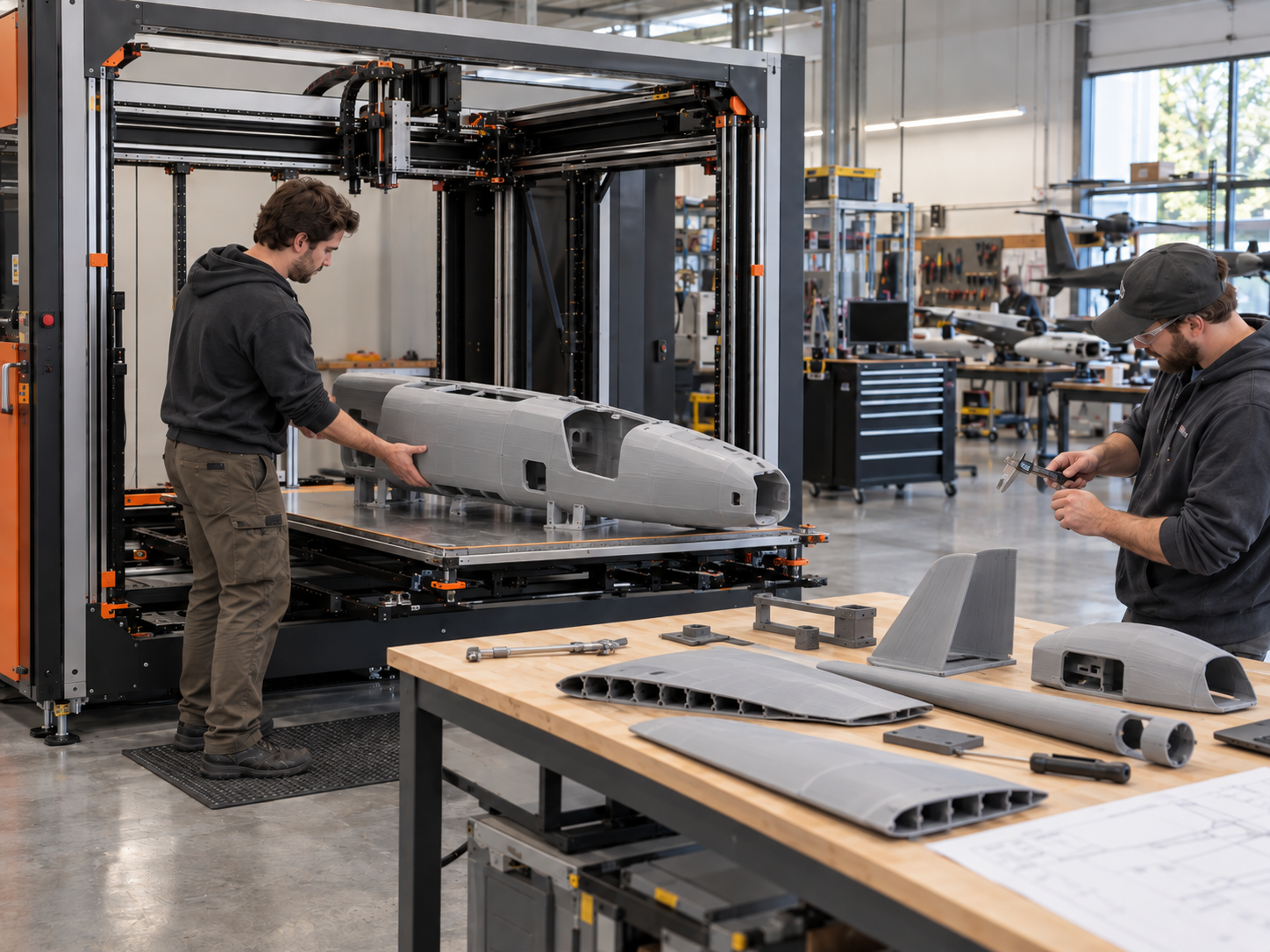
Designing Drone Parts for Vibration, Impact, and Real-World Flight Loads A drone part can look perfect on the bench and still fail
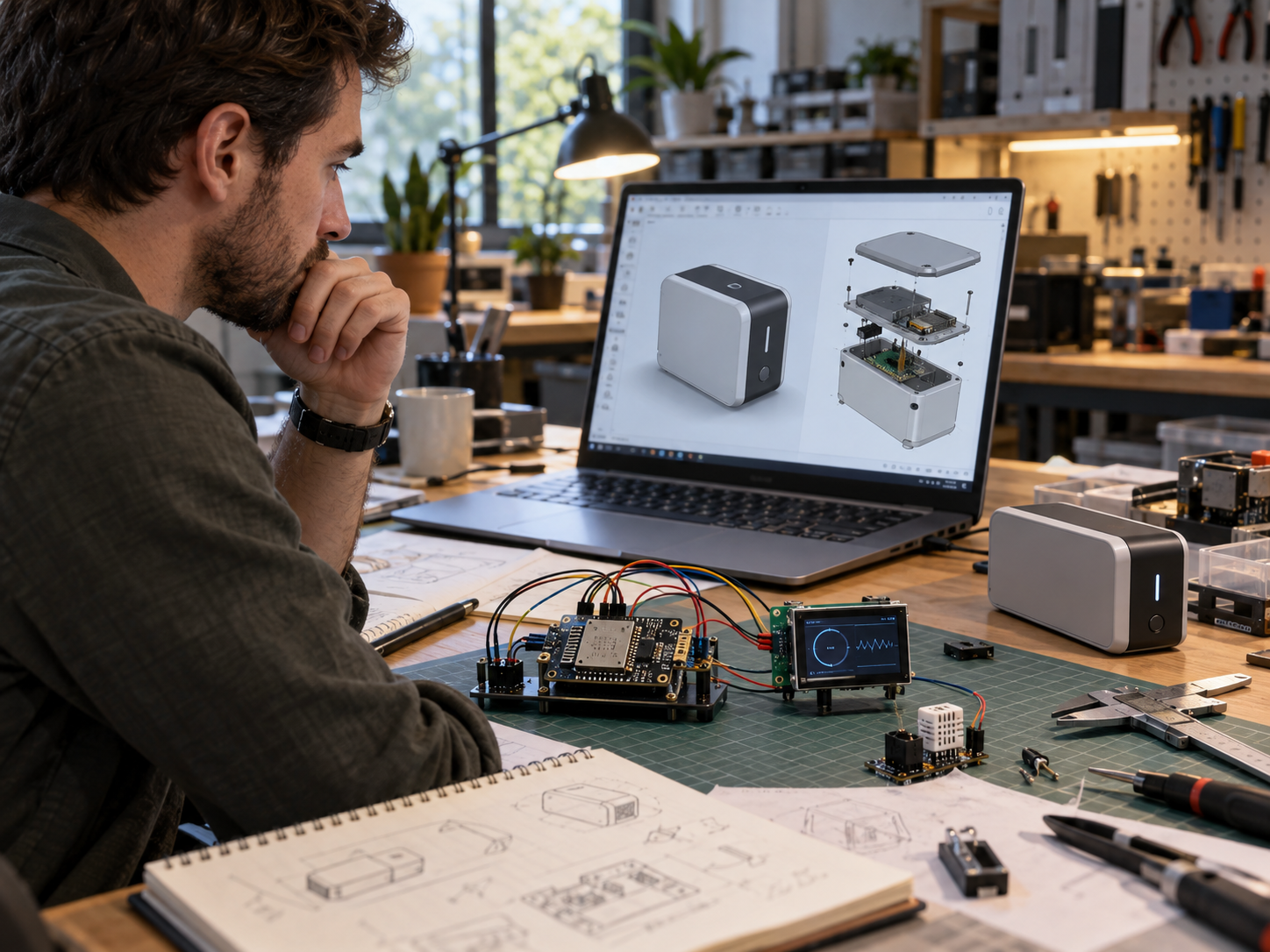
Beyond ESP32 and Raspberry Pi: Designing Electronics for Real Products Development boards are one of the best tools available for product development.
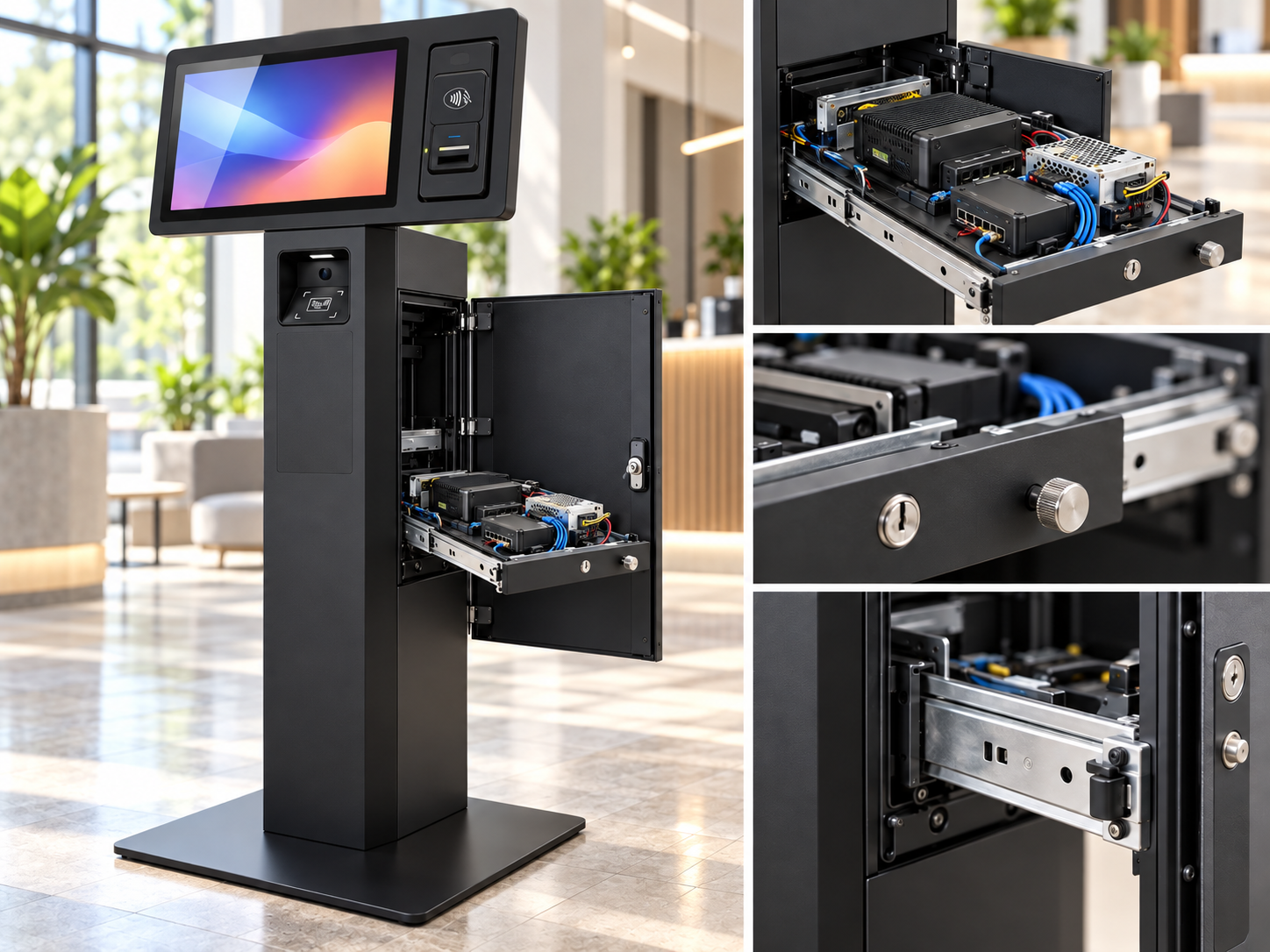
Designing Products for Serviceability, Maintenance, and Field Repair A product can work perfectly on the day it is delivered and still be
When a Customer Has an Idea but No CAD: How Product Development Actually Starts A surprising number of product-development projects do not